
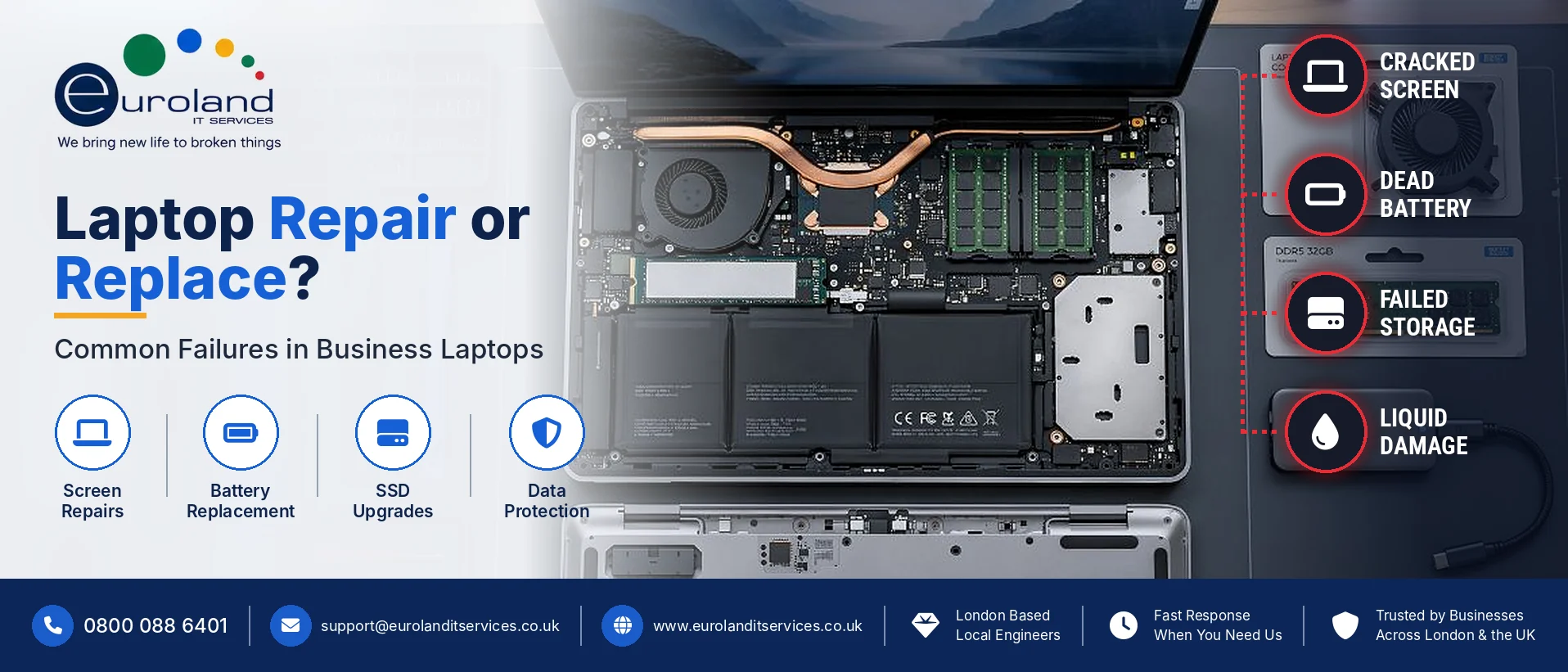
Laptop Repair or Replace? Common Failures in Business Laptops
Every IT manager has one. A cupboard, a drawer or a corner of the office with a small pile of laptops that “need looking at”. A cracked screen here, a dead battery there, one that won’t charge, and one that someone spilt coffee on back in March.
The question with each one is the same: is it worth fixing, or is it time for a new one?
There isn’t a single answer, but there is a sensible way to decide. Below we’ve gone through the faults we see most often on business laptops, with an honest view on which ones are worth repairing.
Three quick tests before you decide
Before looking at the specific fault, ask three questions.
How old is it? A business-grade laptop from Dell, HP, Lenovo or Apple that’s two or three years old usually has plenty of life left. Once you get past five or six years, it’s a harder call, because more parts are likely to start failing.
How does the repair compare with replacing it? As a rough rule, if a repair would cost more than about half the price of a comparable new machine, replacement starts to look better, especially on older devices.
Can it run a supported operating system? This one trumps the other two. A laptop that can’t run a supported version of Windows or macOS shouldn’t be holding business data, however well it works.
With those in mind, here’s how the common faults stack up.
Cracked or faulty screen
Screens get dropped, pressed, closed on pens and crushed in bags. On most business laptops, the screen panel is a standard part that an engineer can swap without too much trouble, and our business laptop repairs team carries out this job more than almost any other.
Verdict: usually repair. Unless the laptop is very old or has other problems, a new screen gives it a fresh lease of life. Touchscreens and high-resolution panels cost more, but are still normally worth it on a machine under four years old.
Keyboard problems
Sticky keys, missing keycaps and keys that don’t respond are common, particularly after spills or heavy use. On some laptops the keyboard is a separate part that’s quick to replace. On others, especially thinner models, it’s riveted into the top case, which makes the job bigger.
Verdict: usually repair. Even when the keyboard is built into the case, it’s normally a worthwhile fix on a newer machine. In the meantime, a basic external keyboard keeps someone working.
Battery that won’t hold a charge
Lithium-ion batteries wear out. After a few hundred charge cycles, most lose a noticeable amount of capacity. A laptop that used to last a full day might struggle to get through a morning.
Verdict: repair, and don’t wait. Battery replacement is one of the best-value repairs there is. There’s a safety point too. If a battery is swelling, you might notice the trackpad lifting, the case bulging or the laptop rocking on a desk. Stop using it, don’t charge it, and get it looked at promptly. A swollen battery can be a fire risk.
Slow, failing or dead storage
Older laptops with spinning hard drives are painfully slow by today’s standards and more likely to fail. Newer machines use SSDs, which are faster and more reliable but can still fail.
Verdict: usually repair, often upgrade. Swapping an old hard drive for an SSD is one of the most noticeable upgrades you can make, and it can make a five-year-old laptop feel quick again. Where the SSD is soldered to the board, as on many recent ultra-thin laptops and Macs, a storage failure is a much bigger job and can tip the decision towards replacement.
Won’t charge or power on
This could be the charger, the cable, the charging port or the power circuitry on the board. Chargers are the easy bit to rule out. A loose or damaged charging port is also usually fixable.
Verdict: depends on the cause. A faulty charger or port is a quick repair. If the problem turns out to be on the system board, see below.
Overheating and loud fans
Dust builds up in fans and vents over time, particularly in laptops used on sofas, beds and carpets. The result is a hot, noisy machine that slows itself down to cope.
Verdict: repair. A strip-down, clean and fresh thermal paste often transforms an overheating laptop. If a fan has failed completely, it’s an inexpensive part to replace.
Motherboard failure
The system board is the most expensive part in any laptop, and on modern machines the processor, memory and often the storage are all soldered to it.
Verdict: often replace. On a newer laptop still under warranty, a board replacement may make sense. Out of warranty, and especially on an older device, the numbers usually point towards a new machine. Board-level repair, where an engineer fixes a specific component rather than swapping the whole board, is sometimes possible and worth asking about.
Liquid damage
Coffee, tea and water are among the most common causes of laptop failure. The damage depends on what was spilt, how much, and how quickly the laptop was switched off.
Verdict: act fast, then assess. Switch the laptop off immediately, unplug it, and don’t try to dry it with a hairdryer. Get it to an engineer as soon as you can. A quick clean can sometimes save it. Left for days, corrosion spreads and a successful repair becomes much less likely.
The Windows 11 factor
For many businesses, the operating system has become the deciding factor. Windows 10 support has ended, and Windows 11 has stricter hardware requirements, including a supported processor and TPM 2.0. Some older laptops simply can’t meet them.
If a machine can’t run Windows 11, it’s rarely worth putting money into a repair. Our Windows 11 migration guide explains how to check your fleet and plan the move. Mac users face a similar question as Apple moves away from Intel processors, and our repair or replace guide for Intel Macs covers that in detail.
Don’t forget about the data
Whether you repair or replace, the data on the laptop needs thought. Before a repair, make sure it’s backed up. Before getting rid of an old machine, the drive needs wiping or destroying properly, with a record kept. Our secure computer recycling service handles this so old laptops don’t turn into a data protection problem.
Three myths worth ignoring
“It’s cheaper to buy a new one.” Sometimes, but not as often as people think. A screen, battery or SSD on a business laptop is usually far cheaper than a replacement, and you skip the time spent setting up a new machine.
“Once one thing goes, everything goes.” Not really. A failed battery or keyboard says nothing about the health of the board or screen. Faults tend to be independent of each other.
“Repairs take weeks.” Common parts for mainstream business models are usually easy to source. Many repairs can be done the same day or within a few days.
Making the call across a whole fleet
If you look after dozens or hundreds of laptops, it helps to set a simple policy: which repairs you’ll always do, at what age you’ll stop repairing, and what happens to old machines. When replacement time comes, planning a laptop rollout properly avoids a scramble of half-configured devices.
Desktops follow much the same logic, and our computer repair service covers those as well as laptops from all the main business brands.
If you’ve got a pile of laptops waiting for a decision, get a repair assessment and we’ll tell you honestly which ones are worth fixing.